
Note On, Note Off
Adventures in debugging a highly irritating issue with my MIDI controller.
This is a nerdy technical post regarding software upgrades, MIDI, and using Claude to help me identify and work around an issue, so if you’re into that sort of thing, read on.
I ran into a suuuuuper edge case bug that I’m pretty sure cropped up when upgrading my laptop to MacOS 27, Golden Gate, the other day. This bug has to do with my particular setup, and it had slammed the breaks on my composition workflow.
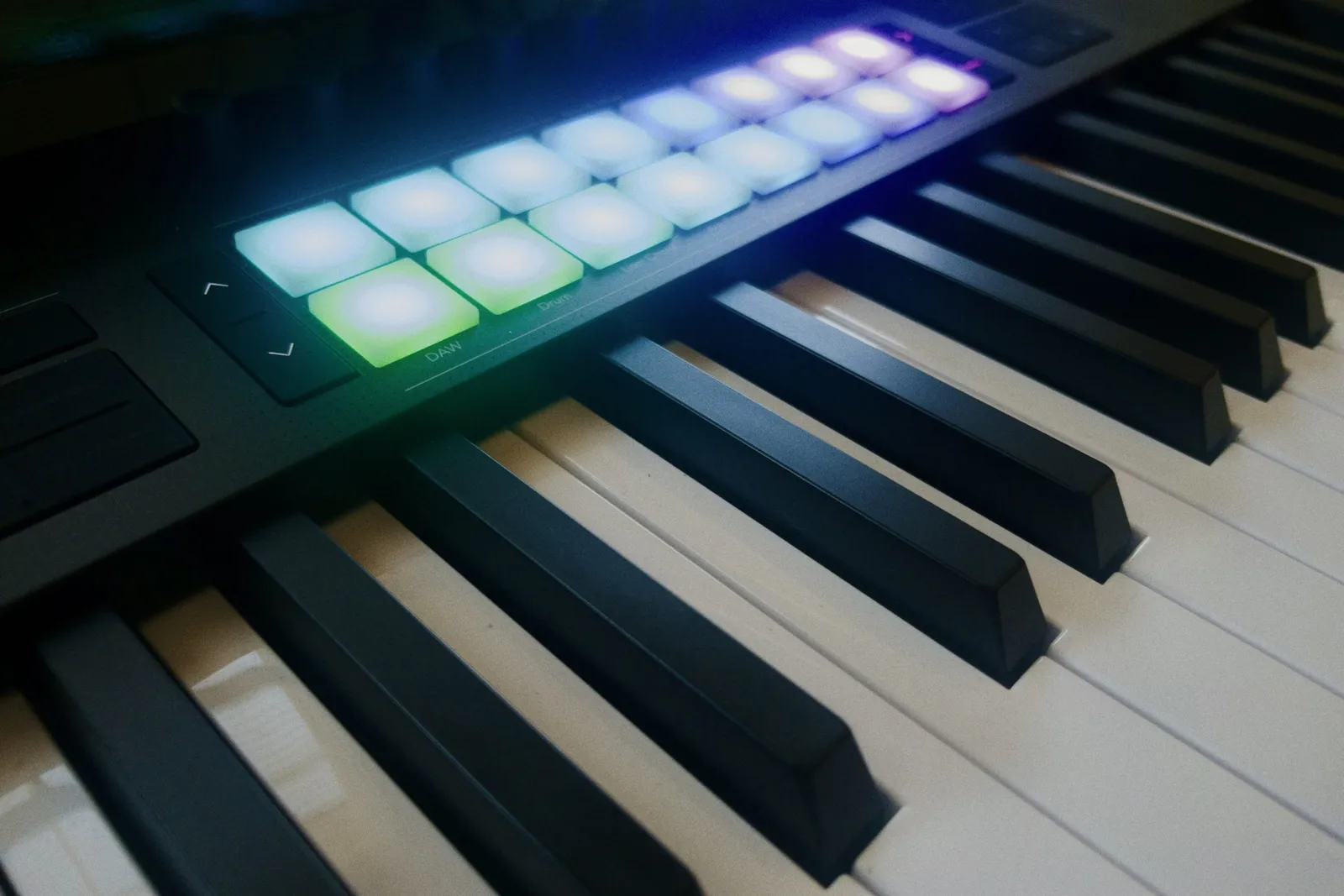
My music composition setup comprises of a Novation LaunchKey 49 plugged into my laptop, paired up with my notation program of choice, Dorico. I use the Novation to play in the notes I want to put on the page. Dorico, of course, has sound libraries (I use NotePerformer. It’s far from sounding like a human playing, but it is miles better and more expressive than the bundled libraries) so you can hear the notes you play in an approximation of the instrument you’re writing for. This is very handy when working through ideas. As you would expect, you press a key on the keyboard, and you hear the note. When you release the key the note stops. Or at least it used to before I installed Golden Gate.
The notes I played into Dorico just wouldn’t quit. They would pile up as endless cluster chords, the accretion of melodic phrases, each note infinitely stuck on hold. This was particularly egregious on the flute part I was working on. The notes would drone on endlessly, the unnatural lack of pausing to breath not unlike Elizabeth Holmes’ unnerving, unblinking stare. Not great for getting into a flow state.
Maybe I had maybe inadvertently engaged the latch function on the Novation? No, it wasn’t that. Perhaps it was something wonky about the sustain pedal function, even though I didn’t have a sustain pedal plugged in. I grabbed one, plugged it in and… no effect. No matter whether I had the sustain pedal down or not, it just played that endless unblinking cluster drone.
Other note input methods worked properly. Type in notes with the computer keyboard? Check. Plug in another USB MIDI controller and play that? That worked just like it’s supposed to. Something was clearly up with the Novation.
By this point, I had a Claude chat open, where I was throwing questions and findings at the robot, trying to narrow down the problem. It suggested that I use a decades old but still handy utility app I had never come across before called MIDI Monitor to visualize MIDI data coming into the computer. With it, I could see the MIDI events the computer was receiving, including whether or not the Novation was sending signals to release notes.
MIDI Basics Corner: MIDI, or Musical Instrument Digital Interface, is a protocol that has been around since the Reagan administration. It allows music gear and computers to talk to one another. One of the most basic things MIDI handles is note performance information. When you press a key on a MIDI keyboard, the keyboard broadcasts a Note On event, along with which note it is you played and a velocity value between 0 and 127, indicating how hard you pressed the key. When you release the key, a Note Off event is sent for that key (also, somewhat weirdly, with a fixed velocity value). Anything connected that is listening for those events, like a synthesizer, DAW, or notation program, will respond by playing the appropriate note… and stopping it.
With MIDI Monitor open, I could see the Note On and Note Off events coming from both the Novation and the other controller. Everything looked in order. There was one thing on the Note Off events that I was side-eyeing, though. As I mentioned above, Note Off events have a velocity value. The other controller’s Note Off velocity value was 64 (the midpoint of possible velocities), but the Novation’s was 0. The discrepancy seemed strange to me, so I asked Claude about that. It said:
there’s a specific, well-documented quirk with Novation LaunchKey keyboards that this might be hinting at: several LaunchKey models don’t send a true Note Off message (status byte
0x8n) at all — instead they send a Note On message with velocity 0 (status byte0x9n), which is a MIDI-spec-legal way of saying "note off," but relies on the receiving app correctly interpreting it as such.
Note On masquerading as Note Off? That’s new to me. But it’s clearly not a new thing. But it was weird. The Novation clearly labels the event as Note Off. That much I could plainly see in MIDI Monitor. But Claude suggested I check the status bit for those events. With a bit of digging around in MIDI Monitor, I did indeed see that the Novation’s Note Off events had a status of 0x9n, meaning they are Note On events, with velocity value of 0!
Now this is not new behavior with the Novation. It’s been doing this since the day I got it, and up until I installed MacOS 27, it had worked exactly as it was supposed to in Dorico. With the upgrade, something changed at the system level which caused Dorico to stop recognizing Note On, velocity 0 as a Note Off event in Dorico (weirdly it worked just fine in Logic Pro, even after the upgrade). Digging into the bowels of the operating system to try to find the root cause is not something I’m keen to do, even if I could. So what to do? Well, we could monkey patch it.
Claude suggested that it would be feasible to set up a process that captures that runs in the background, looking for Note On, velocity 0 events and transforming them into proper Note Off events which Dorico would see. After some back and forth about how to go about that, it suggested that it could write a small Python script that I could fire up when running Dorico. Here’s the script it generated.
I got the script up and running, and then fired up Dorico again and played a few notes. Behold! The notes stopped when I released them. No more Holmesian clusters assaulting my earholes!
I had a few more exchanges with Claude to refine how I could trigger the script. I ended up setting up an Alfred workflow which would allow me to run it or stop it with a few keystrokes. Of course, I have to do this whenever I fire up Dorico. I’ll eventually figure out how to report this to Steinberg for them to hopefully address in a future update, but in the meantime, it’s time to get back to writing more music.